
Photo editing and adjustment support
Adjust photos by zooming, resizing, rotating, and adding edge blur.
You can fine-tune while checking the preview.
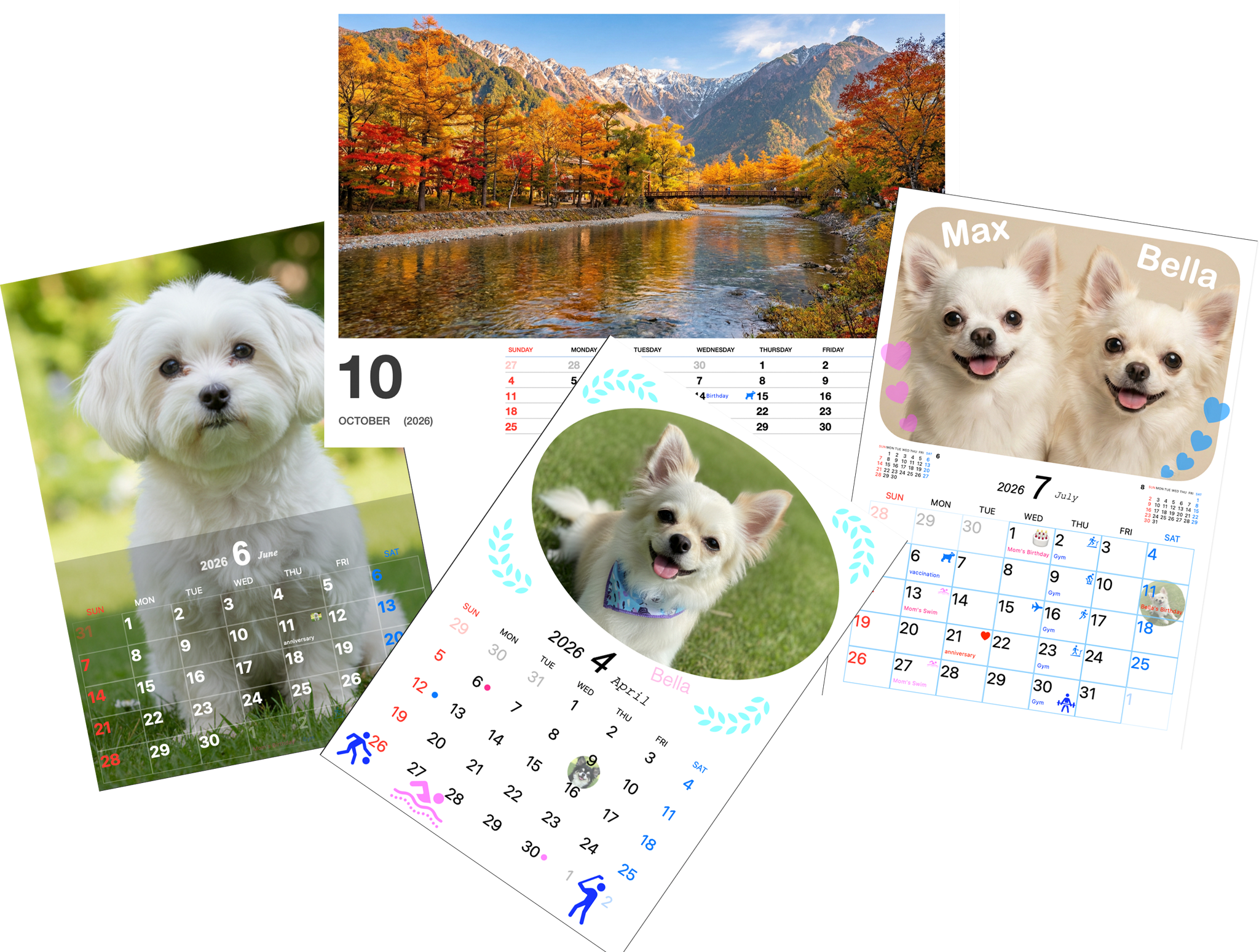
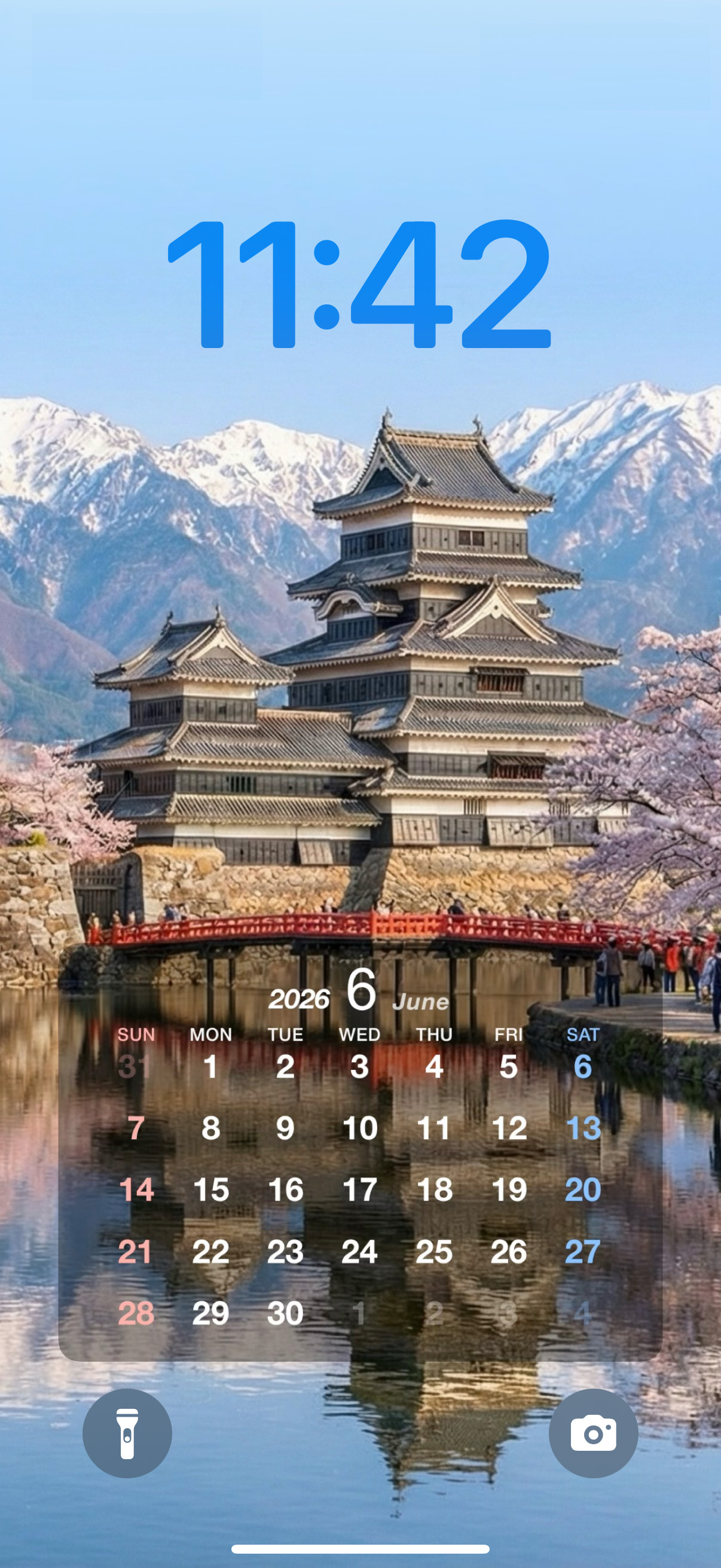
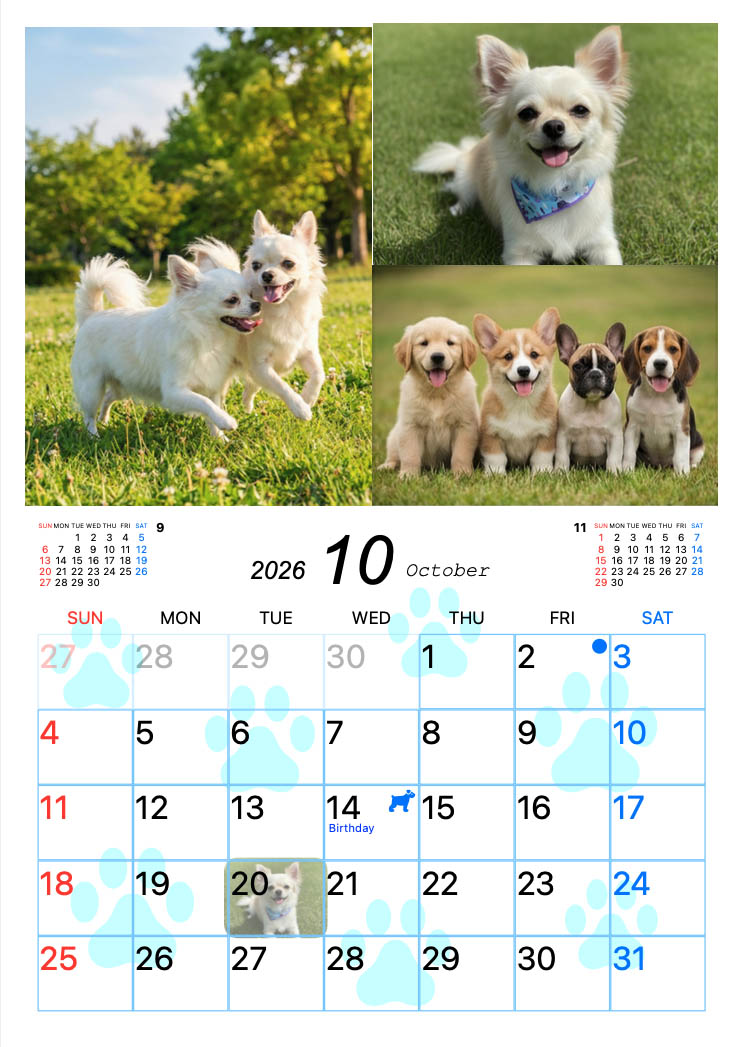
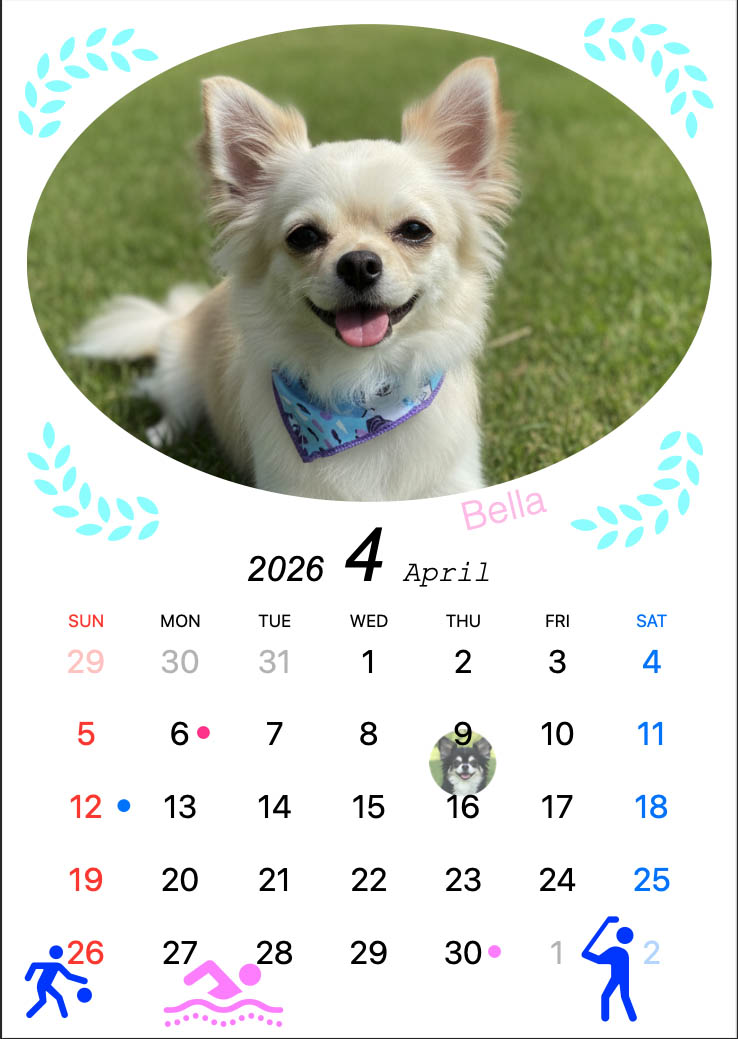
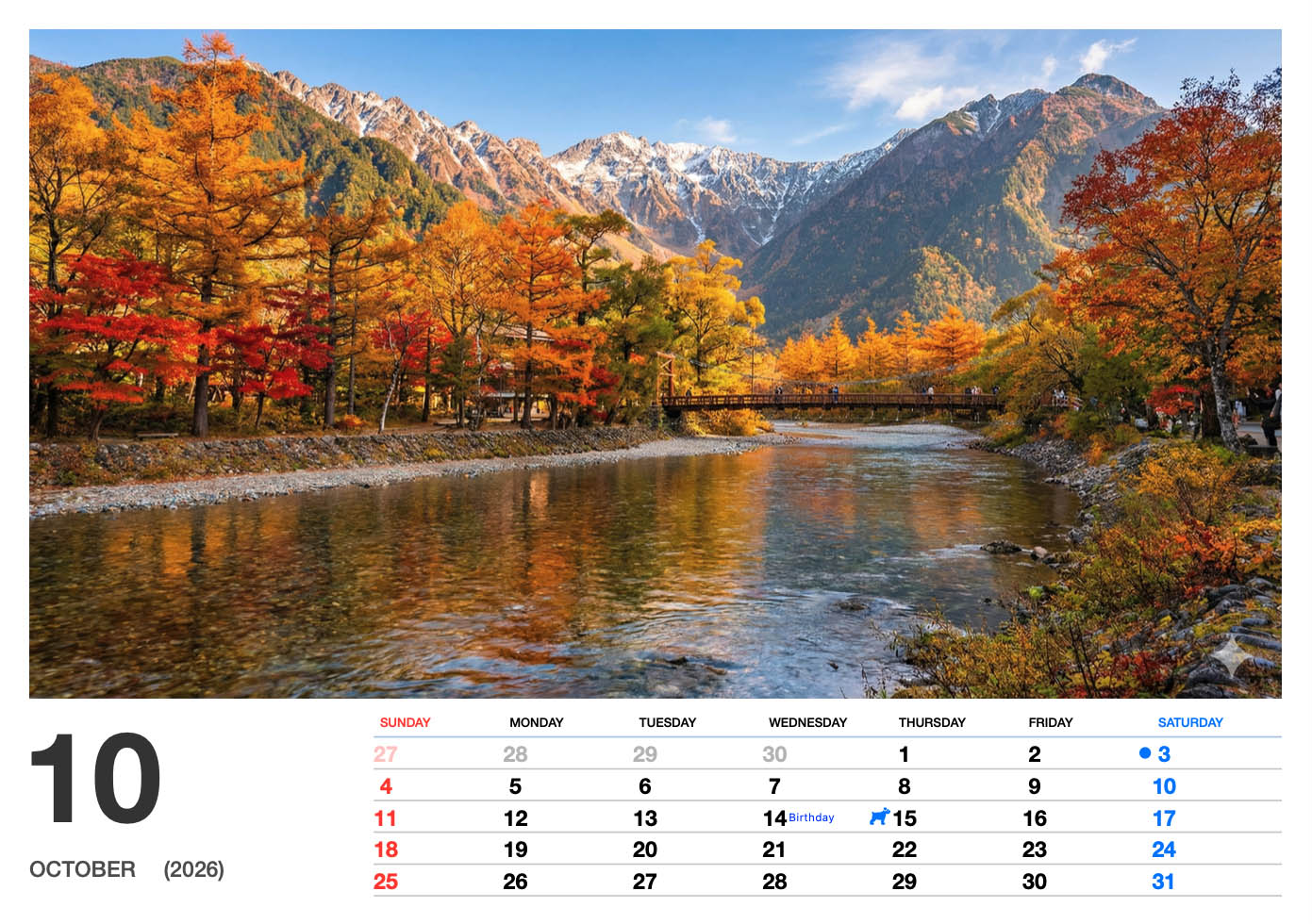
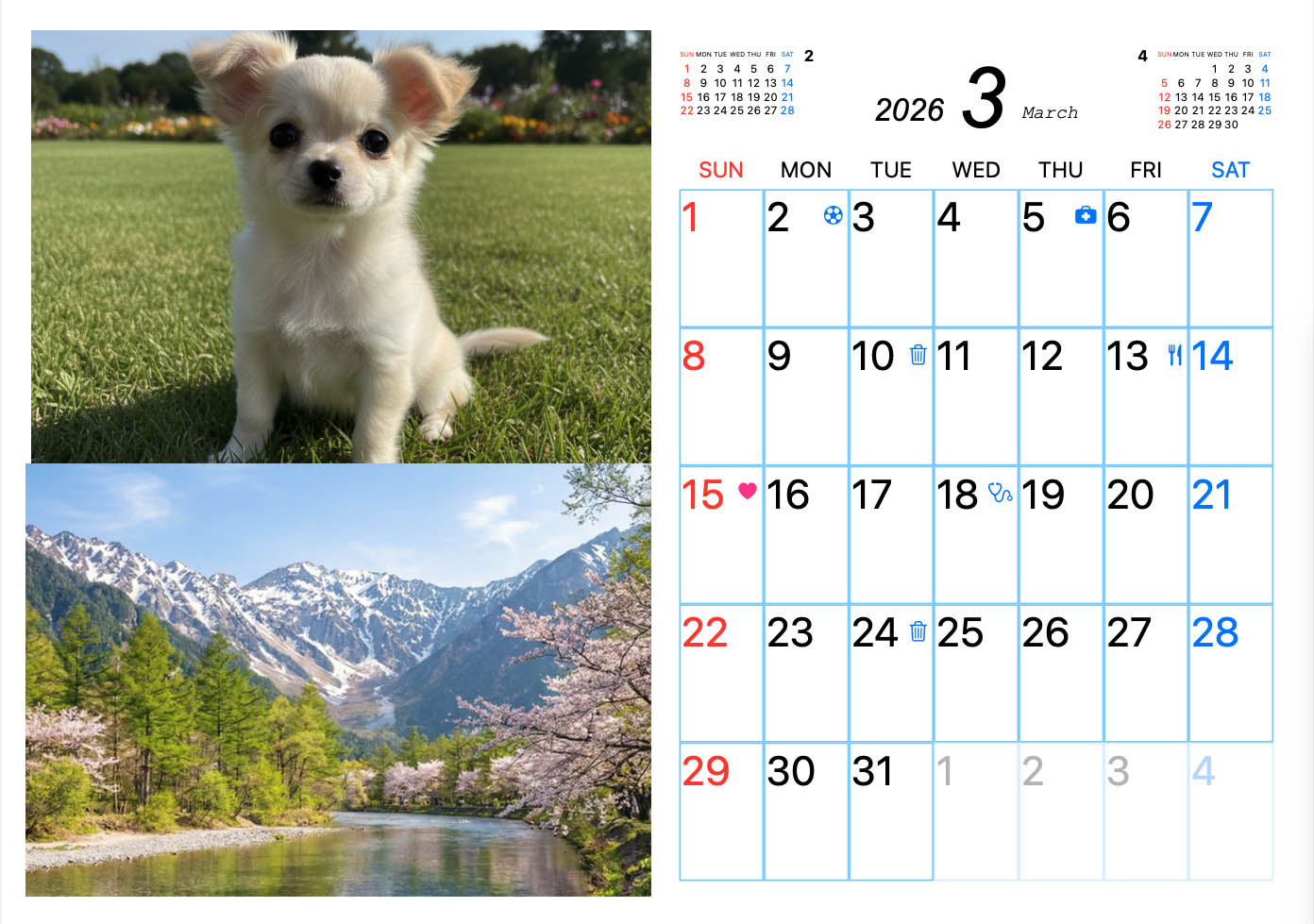
Perfect for enjoying photos of children, grandchildren, pets, seasonal memories, and favorite places throughout the year.
Create a one-of-a-kind calendar for family and friends. It is also a practical and personal gift.
Not just for enjoying photos—it also works as a useful calendar for everyday planning.
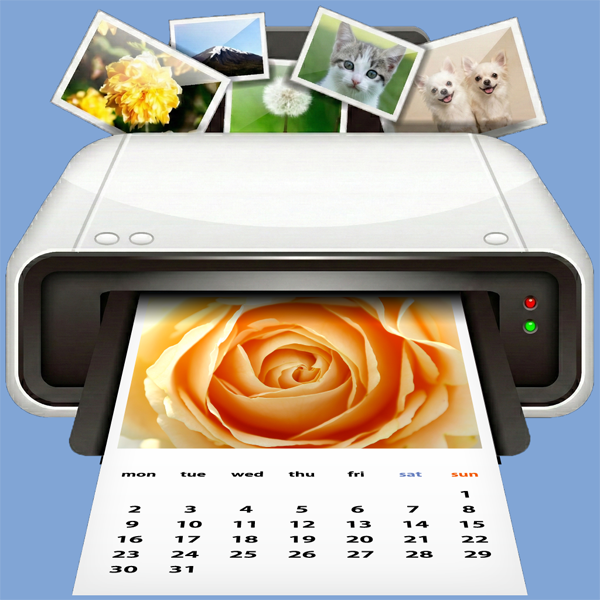
Print photo calendars created on your iPhone or iPad directly with your home printer. Layouts are designed to look good when displayed.
Show your favorite photos beautifully while keeping the calendar easy to read.
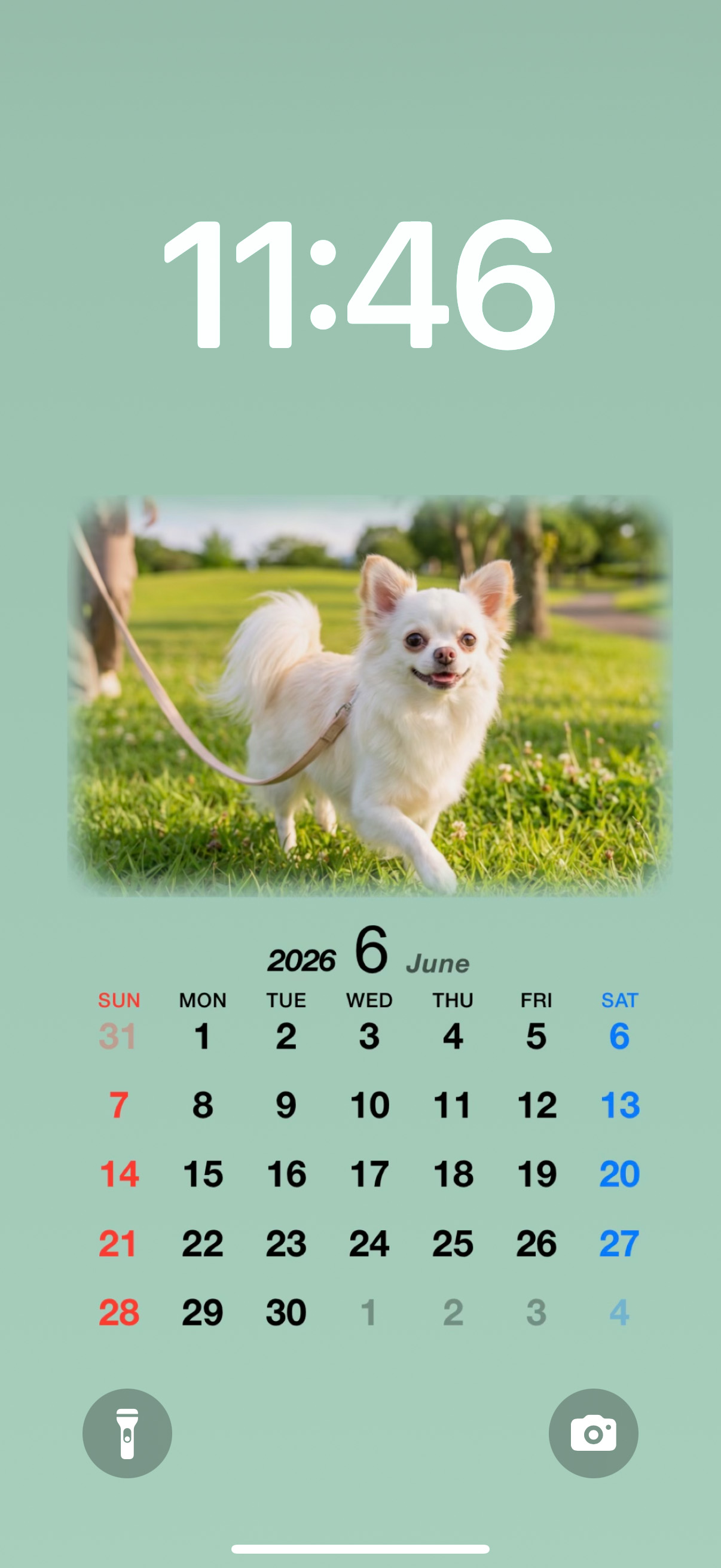
Create calendar wallpapers for your iPhone Lock Screen or Home Screen. In addition to the dedicated Wallpaper format, wallpapers can also be created from each calendar format.
The Pro version unlocks all formats, so you can choose the layout that best fits your purpose.
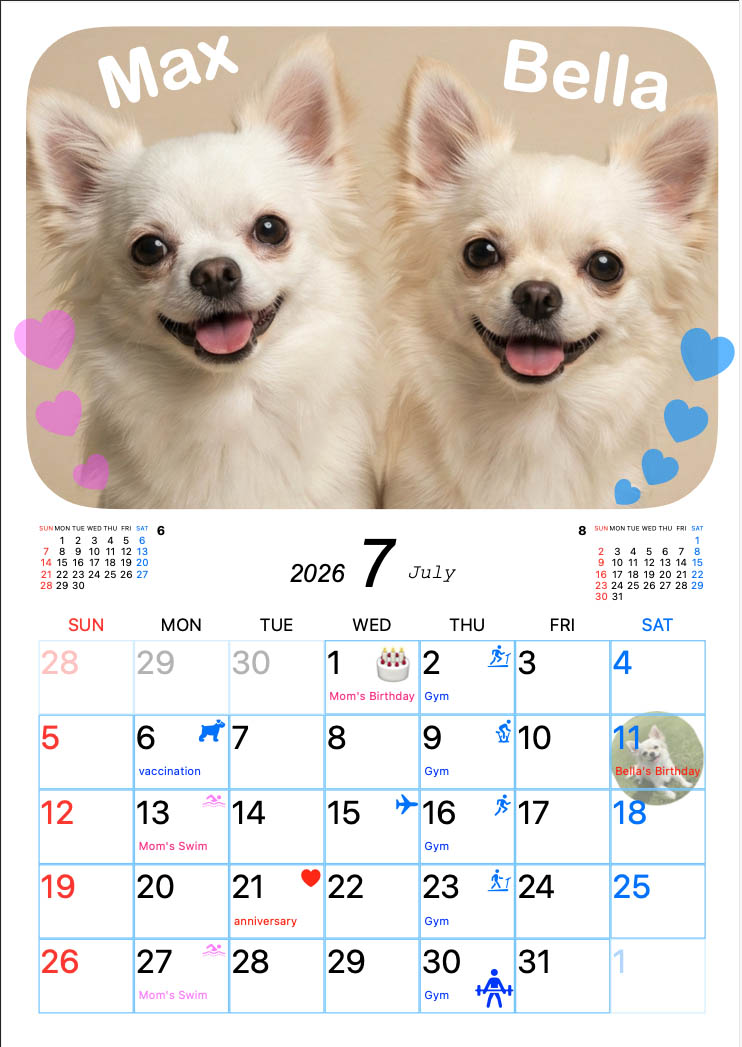
Add small stamps to individual dates to make events and reminders easier to see.
Place decoration stamps in photo or calendar areas, and scale or rotate them freely.
Create your own stamps from photos and place them in the calendar.
Add text to the photo or calendar area, and scale, rotate, or style it to make the design your own.
Export as PDF or JPEG as well as printing directly. Useful for external print services. Supported paper sizes include A4, A3,A3+, postcard, L size (89×127), 2L (5×7 in), KG (4×6 in), Letter, Tabloid/Ledger, and A6.
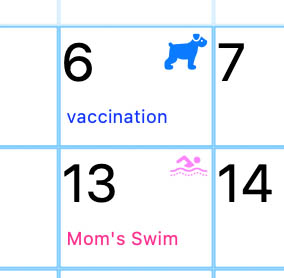

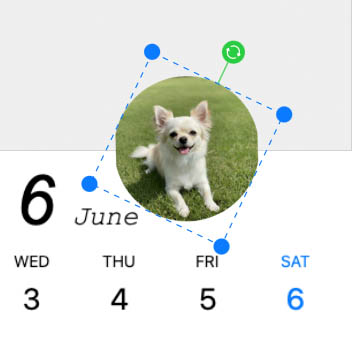
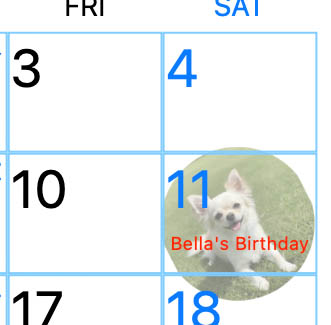
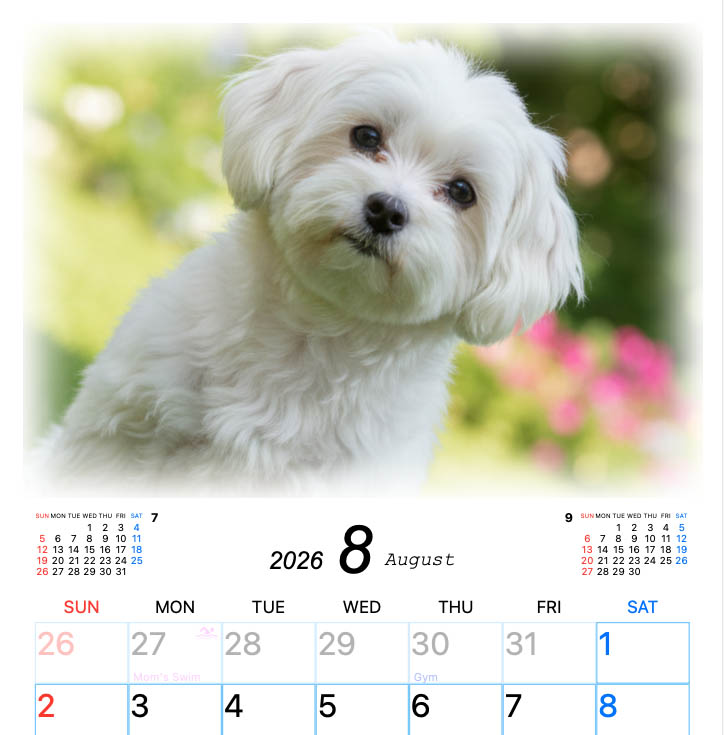
Adjust photos by zooming, resizing, rotating, and adding edge blur.
You can fine-tune while checking the preview.
Choose a format that fits your style: photo-focused, schedule-focused, simple, and more.
Select one favorite photo or multiple photos to begin creating your calendar.
Add schedules, notes, stamps, and decorative text to make the calendar your own.
Print immediately, export as PDF/JPEG, send the file to family. Supported paper sizes include A4, A3,A3+, postcard, L size (89×127), 2L (5×7 in), KG (4×6 in), Letter, Tabloid/Ledger, and A6.
Yes. Photo Calendar Print Mobile is designed for iPhone and iPad. It requires iOS 18.0 or later. For Mac, please use the Mac version of Photo Calendar Print.
Yes. The app is designed for common home printers. It also supports PDF/JPEG export, so you can print later in another environment such as a external print service. Supported paper sizes include A4, A3,A3+, postcard, L size (89×127), 2L (5×7 in), KG (4×6 in), Letter, Tabloid/Ledger, and A6.A3+ is not supported via AirPrint.Print from a PC/Mac, or use the printer manufacturer's app. AirPrint requires a strong Wi-Fi connection.
The Pro version unlocks all formats and removes all in-app ads.
Yes. You can start with the free Lite version to try the workflow. You can also create calendar wallpapers for iPhone. The Pro version can be previewed before upgrading.
Requires iOS 18.0 or later. Please check the App Store listing for the latest compatibility information.
Support email: [email protected]
OTHER APP
Explore more calendar and train timetable apps from the same developer.
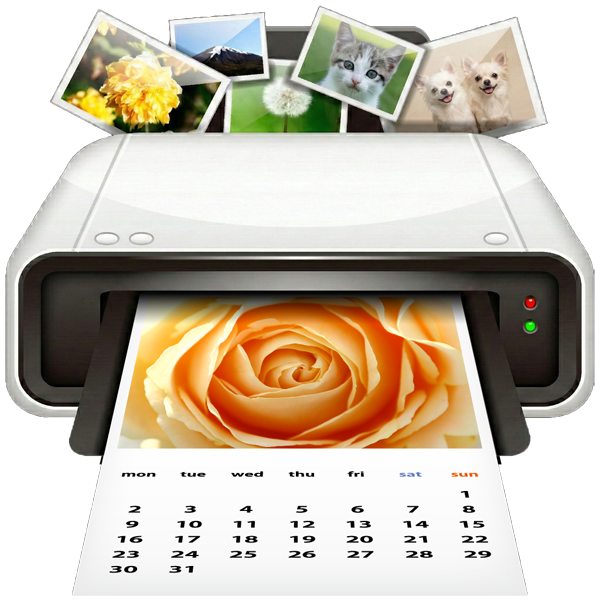
Choose your favorite layout and create or print photo calendars using pictures saved on your Mac. You can also add schedules and export your calendar as a PDF.
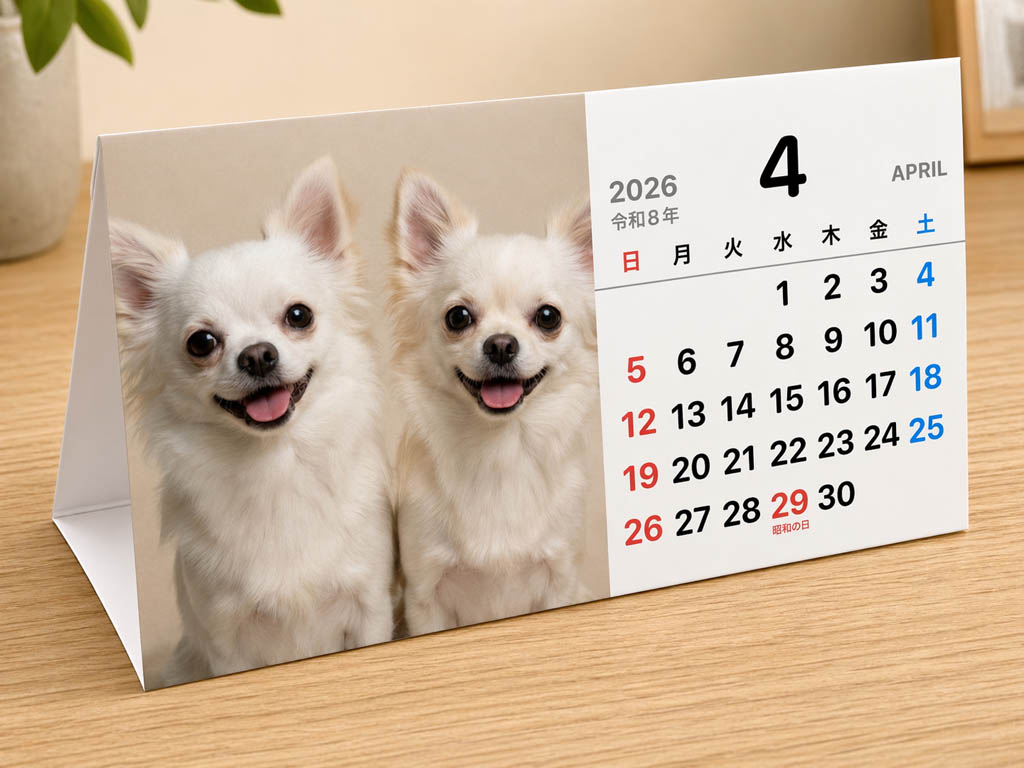

Create a calendar with your favorite photos, then print it at a nearby convenience store's multifunction printer using a QR code.
As a calendar, your photos become decor you can display and enjoy every month.


Quickly check departure times and countdowns for Azusa and Kaiji express trains connecting Shinjuku, Kofu, and Matsumoto.

Check the Kamikochi Line timetable and see at a glance how much time remains before the next train departs.

Quickly check train times from Nagano to Suzaka and see how much time remains before the next departure.

Quickly check train times from Nagano toward Yudanaka and see how much time remains before the next departure.

A dedicated timetable for the Shinonoi Line between Shiojiri, Matsumoto, and Nagano. Quickly check departure times and the time remaining until departure or arrival with this countdown timetable app.

A dedicated timetable for the Oito Line between Matsumoto and Minami-Otari. Quickly check departure times and the time remaining until departure or arrival with this countdown timetable app.