
Image editing and adjustment tools
You can edit images with zoom, resize, rotation, and edge blur, and adjust brightness, contrast, and saturation.
Everything can be fine-tuned while checking the preview.
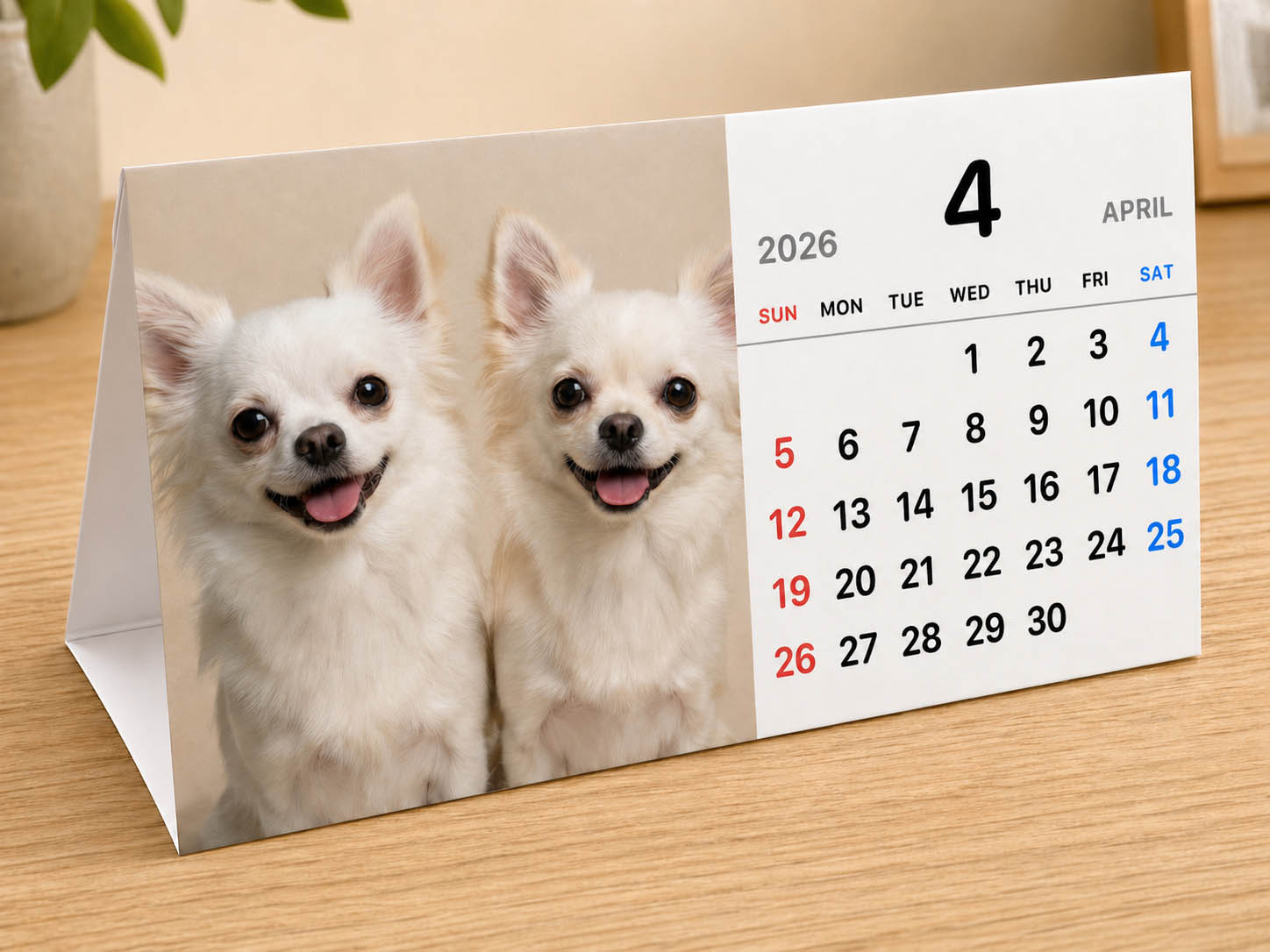
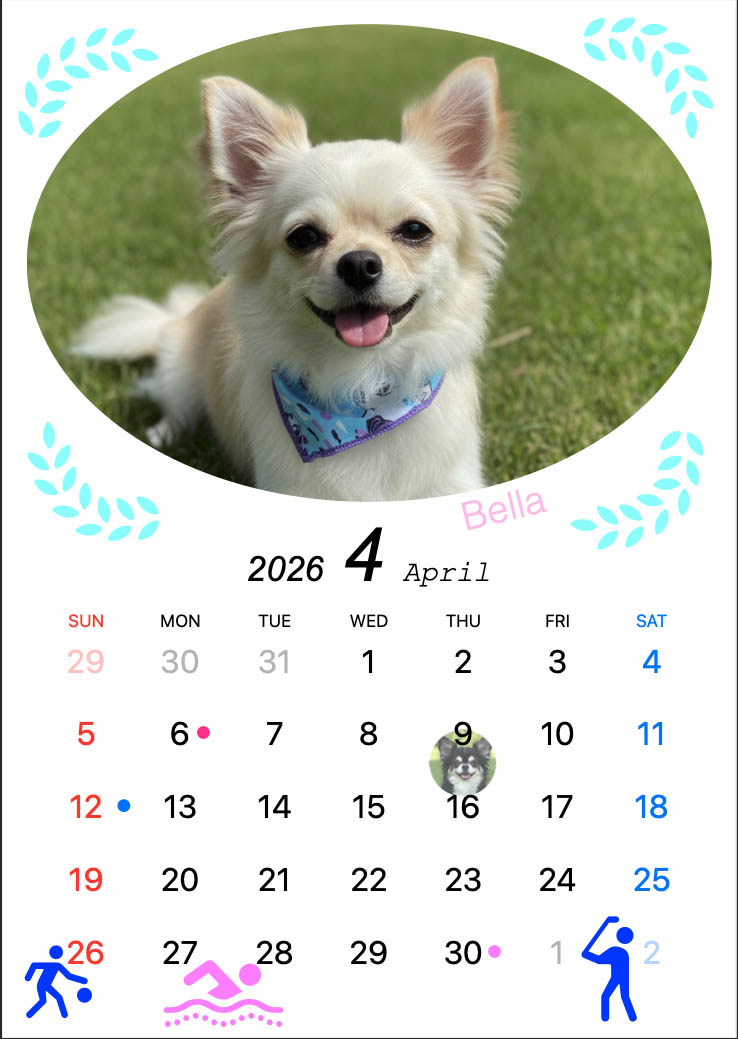
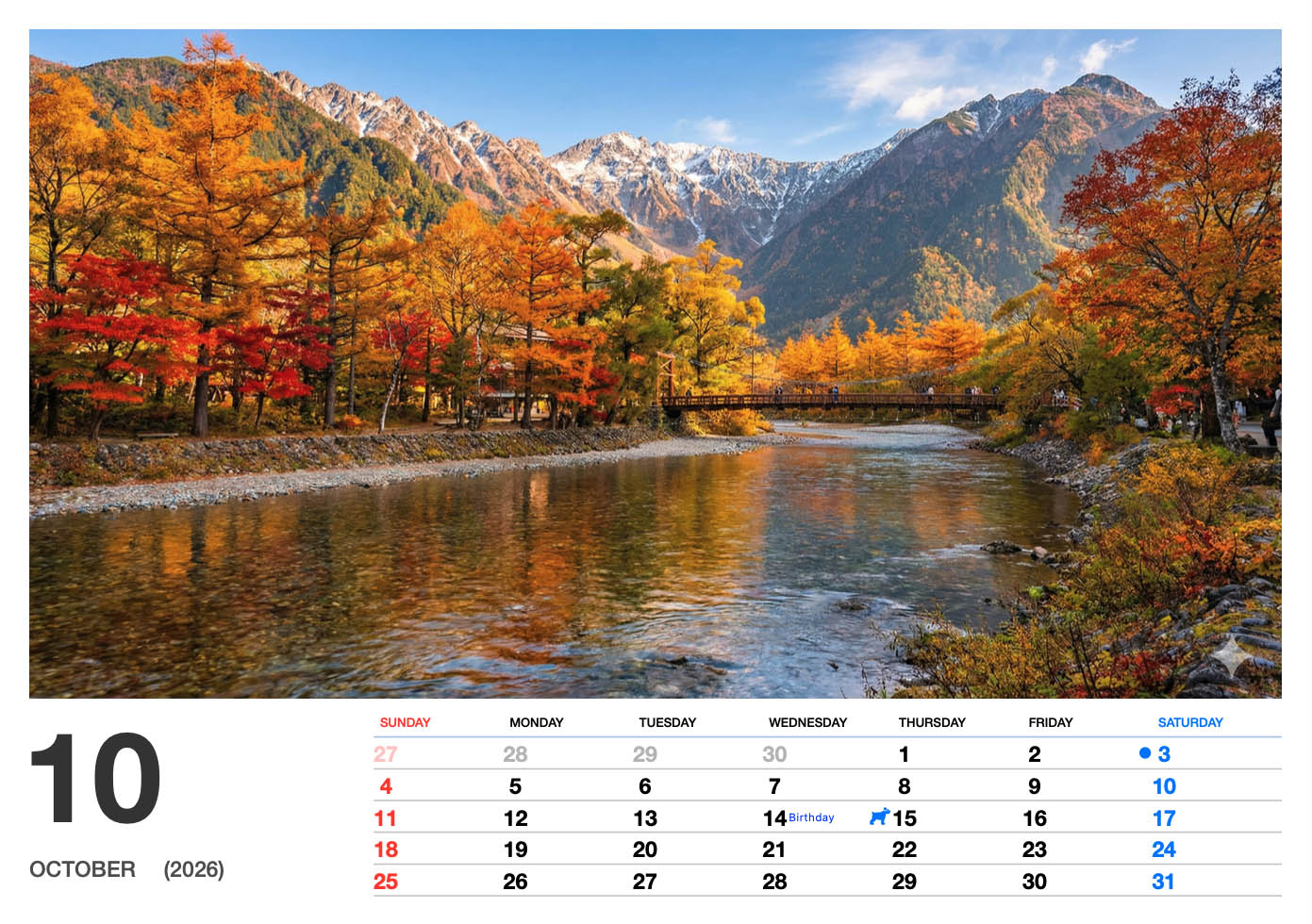
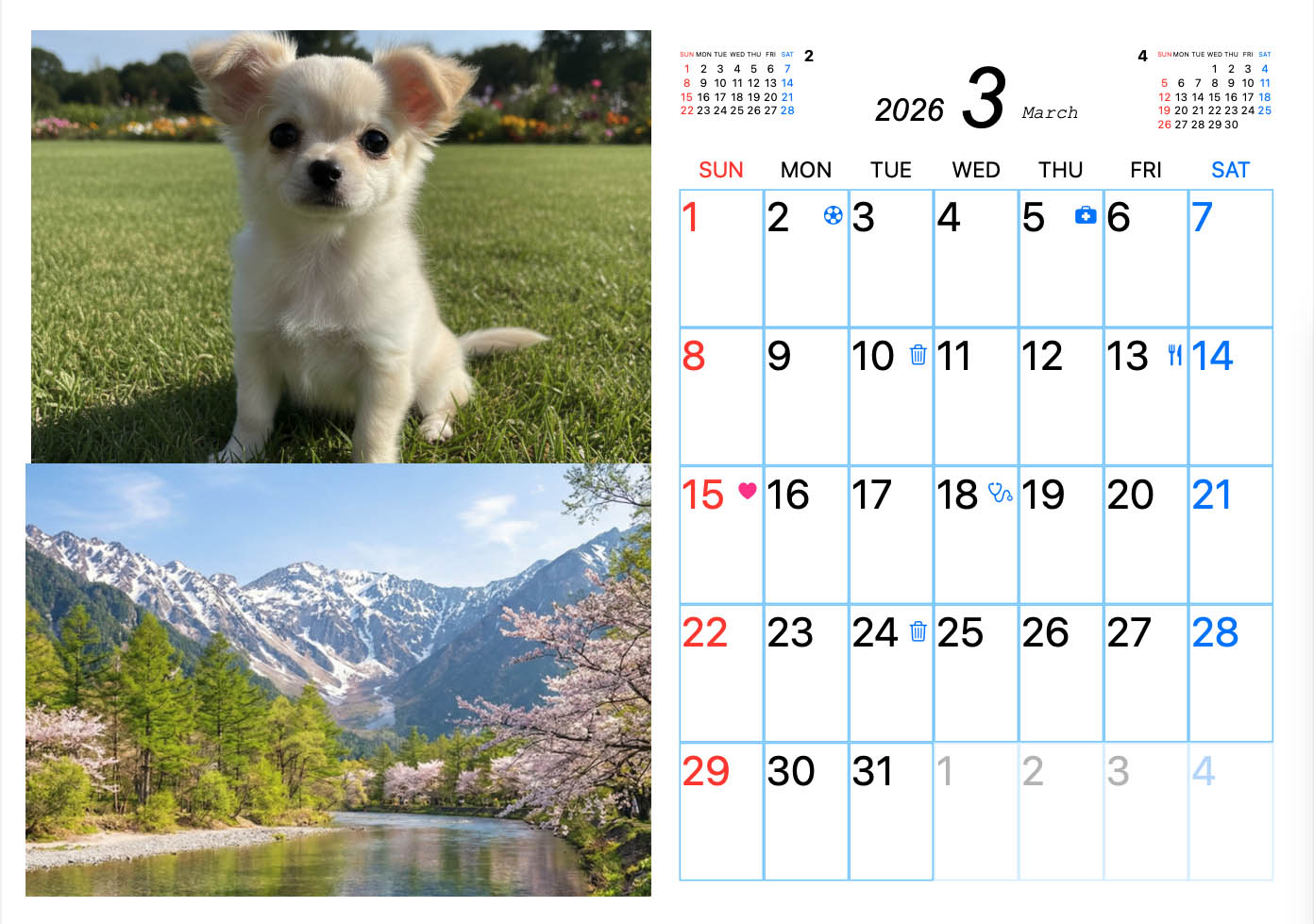
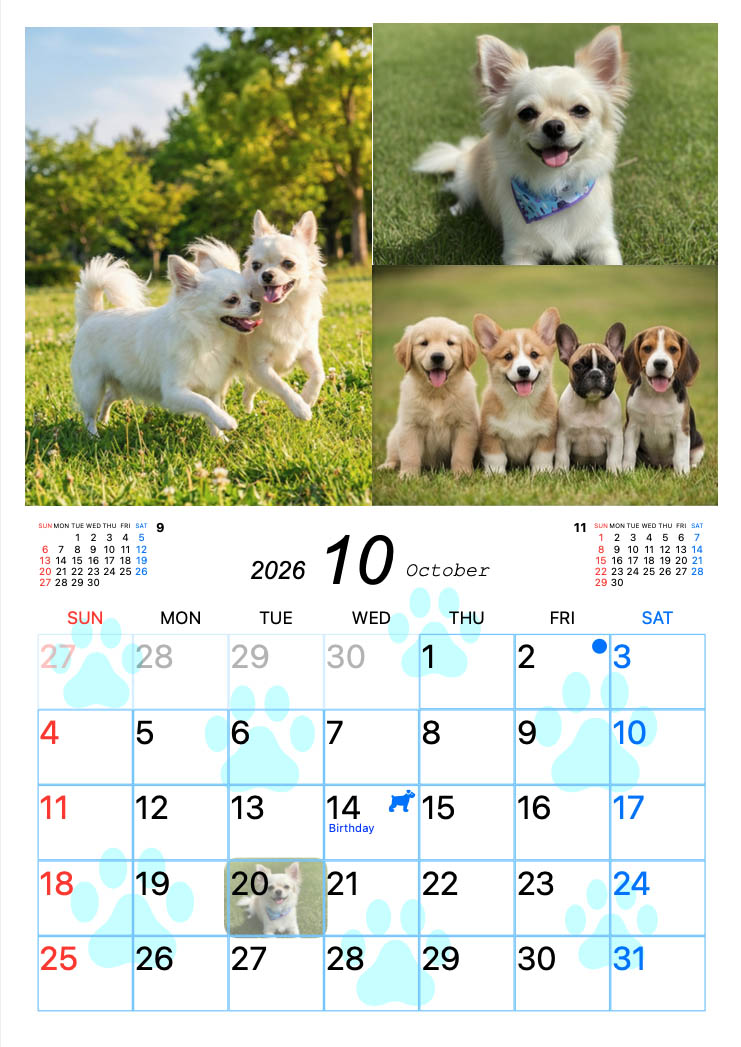
A great choice for displaying family photos, dog and cat photos, and seasonal memories month after month.
Create a one-of-a-kind calendar for family and friends. It is also a lovely option for gifts.
It is not just for display. You can also create practical calendars that work well for everyday planning.
Create your calendar on your Mac and print it at home. The layouts are designed to look great when displayed.
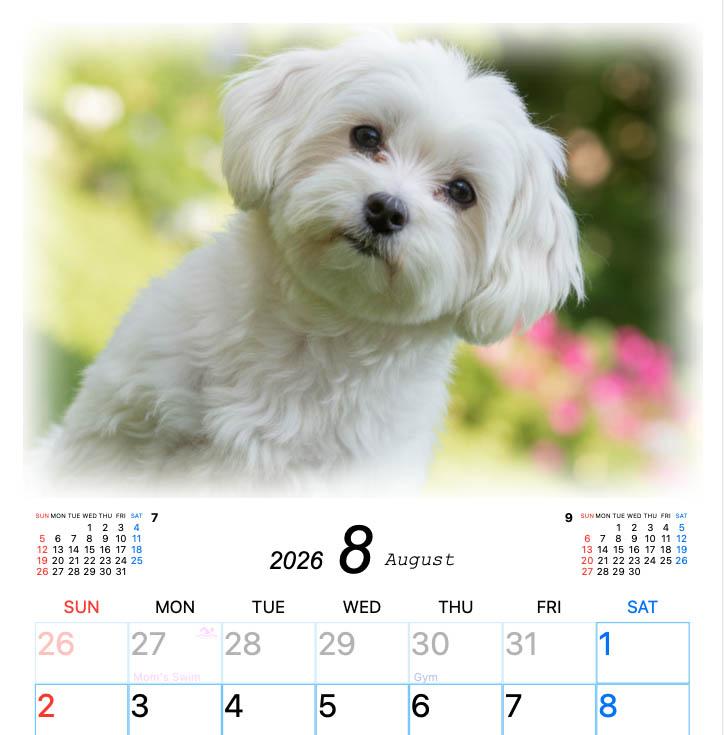
Show your favorite photos prominently while keeping the calendar easy to read. It becomes something you will enjoy every month.
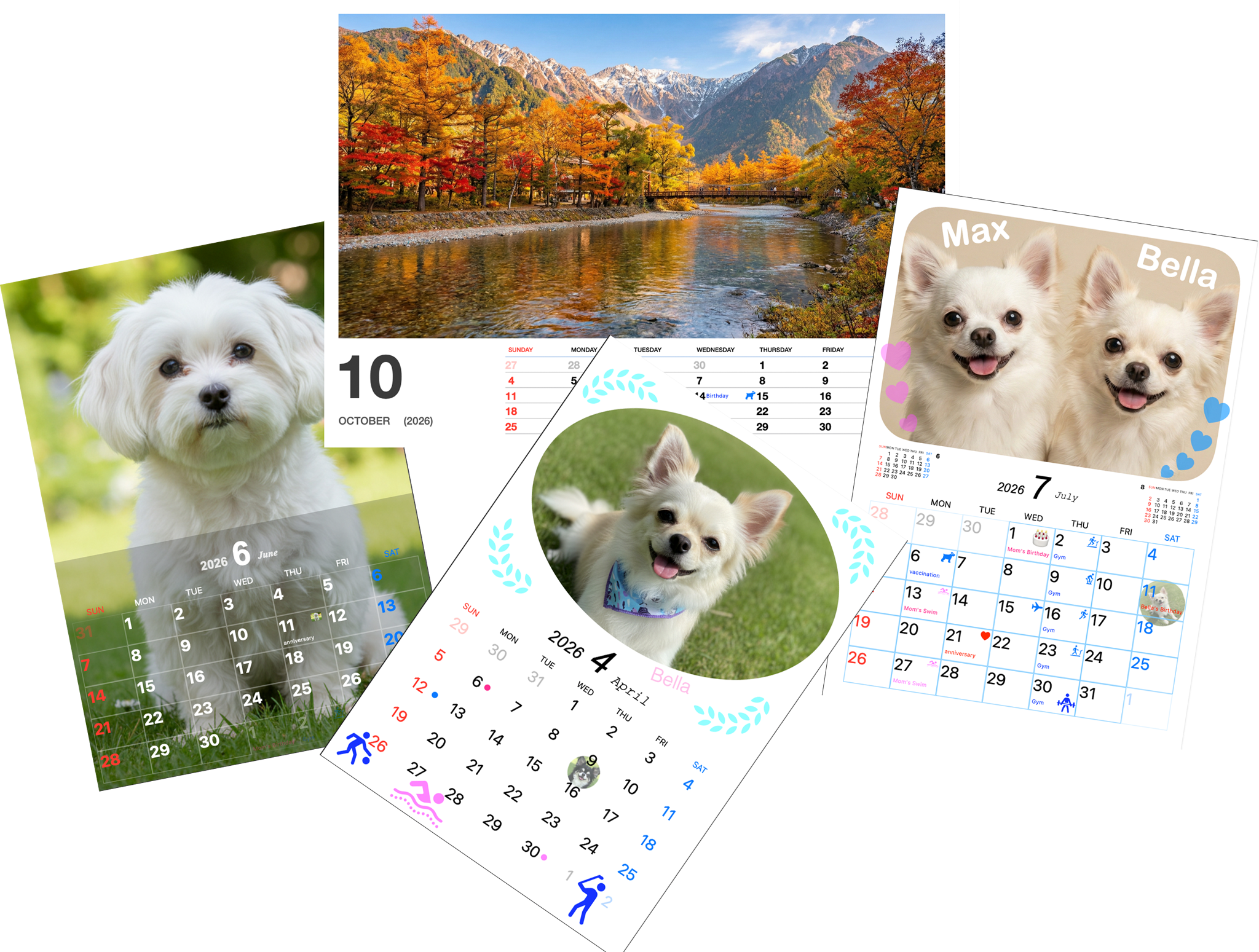
The Pro version includes 20 formats, so you can choose what fits your style best.
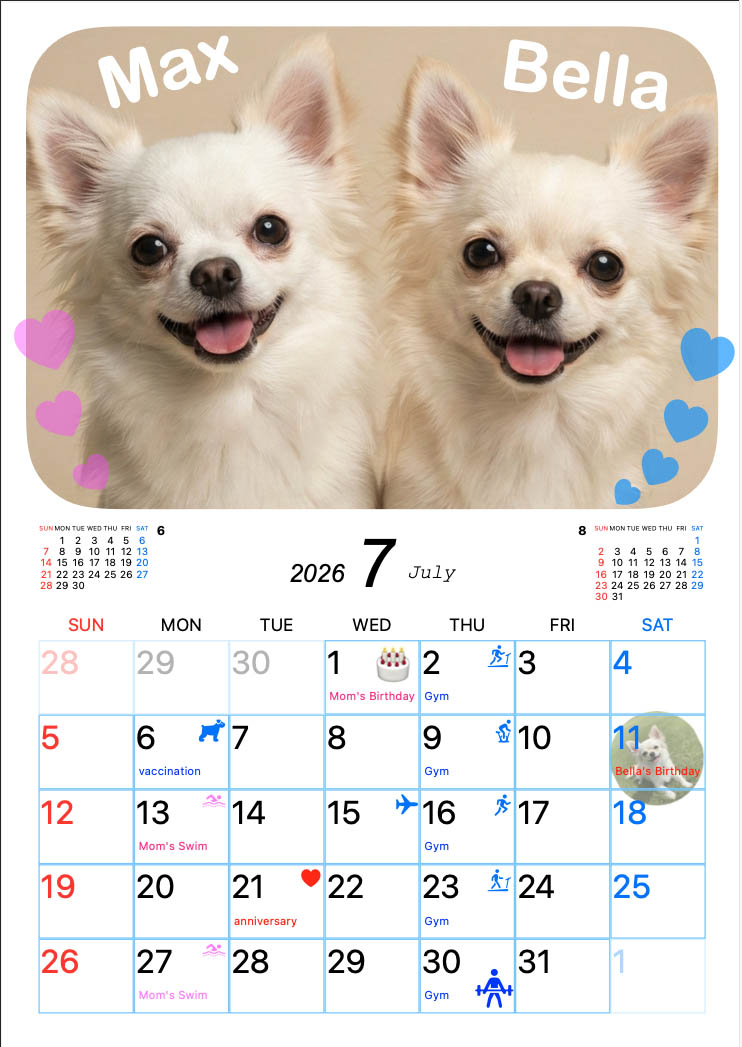
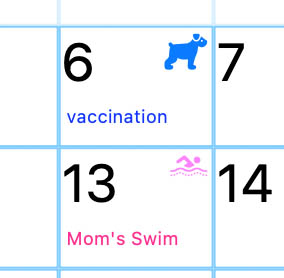
Add helpful stamps to individual dates so daily events are easier to understand at a glance.
Place decoration stamps in the photo area or calendar area, with resizing and rotation for flexible layouts.
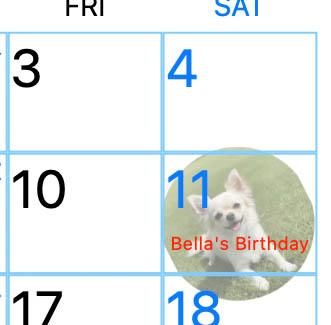
Create your own stamps from photo images and place them in your design for a more personal result.
Add text in the photo area or calendar area, with resizing and rotation to create your own style.
In addition to printing, the app supports PDF export for saving, sharing, and using external printing services. Supported paper sizes are A4, A3,A3+, postcard, L size (89×127), 2L (5×7 in), KG (4×6 in), Letter, Tabloid/Ledger, and A6.

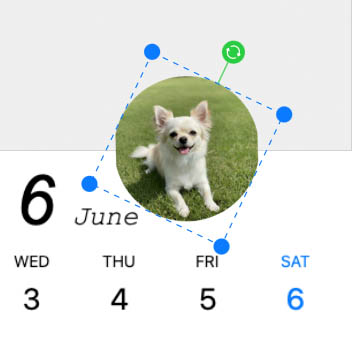
You can edit images with zoom, resize, rotation, and edge blur, and adjust brightness, contrast, and saturation.
Everything can be fine-tuned while checking the preview.
Choose a format that matches the style you want, whether photo-focused, schedule-focused, or simple.
Start by selecting one favorite photo or several photos for your calendar.
Add event notes, stamps, and decorative text to finish your calendar in your own style.
Once finished, you can print right away or export as PDF for saving and sharing. Supported paper sizes are A4, A3,A3+, postcard, L size (89×127), 2L (5×7 in), KG (4×6 in), Letter, Tabloid/Ledger, and A6.
Yes. PhotoCalendarPrint is designed for Mac, and it supports macOS 14 or later.
Yes. It is designed for use with typical home printers. It also supports PDF export for saving and sharing. Supported paper sizes are A4, A3,A3+, postcard, L size (89×127), 2L (5×7 in), KG (4×6 in), Letter, Tabloid/Ledger, and A6.
Pro includes 20 formats, along with decoration stamps, decorative text placement, and PDF export.
Yes. Finished calendars can be exported as PDF for saving, sharing, and using external printing services.
Yes. You can first try the Lite version for free, and you can also preview Pro features.
The app requires macOS 14 or later. Please check the App Store listing for the latest compatibility details.
Support email: [email protected]
Please read our Privacy Policy.